Vector Hardware Manager
The All-In-One Solution for Configuring and Managing Vector Network Devices
The Vector Hardware Manager is an all-in-one solution for configuring and managing Vector network devices. Whether you're working offline or online, it brings all CAN, LIN, FlexRay, and Ethernet devices into one intuitive UI.
The Vector Hardware Manager is designed to replace legacy tools. It simplifies complex setups and supports advanced Ethernet features like port mirroring and PTP. The Vector Hardware Manager integrates seamlessly with tools like CANoe and CANape.
Highlights
- Flexible and Scalable Test Setups: Configure Ethernet networks and channel mappings across multiple interfaces with ease. Vector Hardware Manager adapts to complex setups and scales with your needs.
- Precise Time Sync with PTP Support: Synchronize multiple devices using a visual sync tree. Supports PTP (Precision Time Protocol) over Ethernet for accurate time coordination across systems, also with external PTP time transmitters.
- Centralized Device Configuration: Manage all interfaces in one unified tool. Visualize Ethernet topology, time sync, and channel mapping to simplify setup and improve clarity.
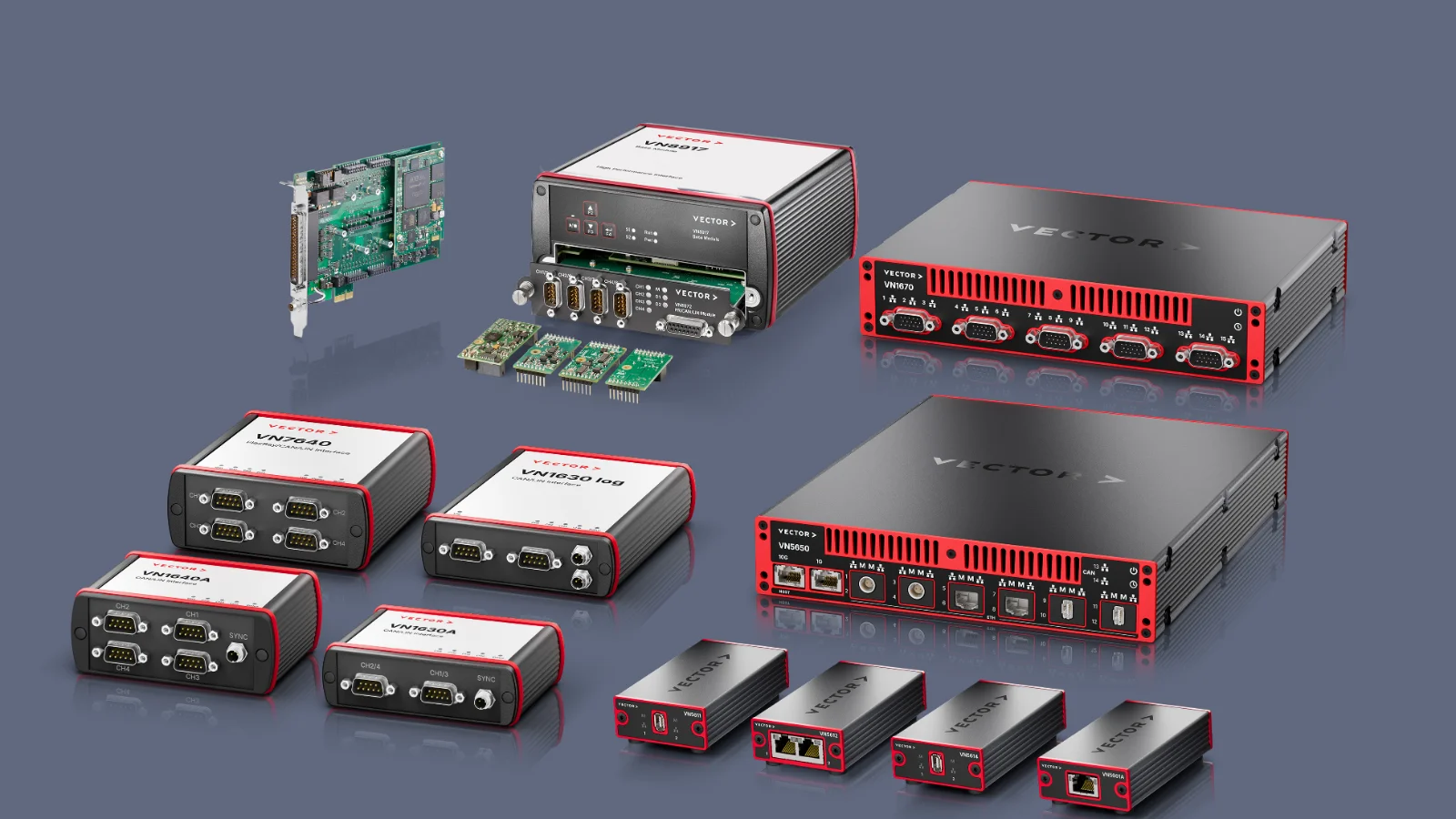
- Cross-Platform Compatibility: Supports VN8900, VT Systems, RT Racks and VP Systems. Easily save, load, and share configurations across teams and projects using a computer.
- Automate with REST API or Vector Tools: Use the REST API or integrate with CANoe/CANalyzer to apply predefined configurations at startup. Ideal for automated workflows and repeatable setups.
- Start Using Vector Hardware Manager Instantly: All settings previously configured in Vector Hardware Config or other Vector tools are automatically adopted by Vector Hardware Manager. No manual migration is required — simply switch to Vector Hardware Manager and continue working.
Videos
Highlights of Version 26.40
- Saved configurations now use YAML, providing a structured and human-readable configuration format.
- Easier configuration of the optical VNmodule60 with dedicated mode options for the supported Ethernet speed grades.
- Improved status information makes it easier to identify device states and determine which application currently holds Init Access.
Product Descriptions
Windows 10/11
Try Out the Vector Hardware Manager
It is included in the Vector Driver Setup and installs automatically.
Related Products

Let's Discuss Your Use Case
Whether you’re exploring options or already planning your next steps, share your requirements with us. We support you in finding the right solution.