PC-lint Plus View
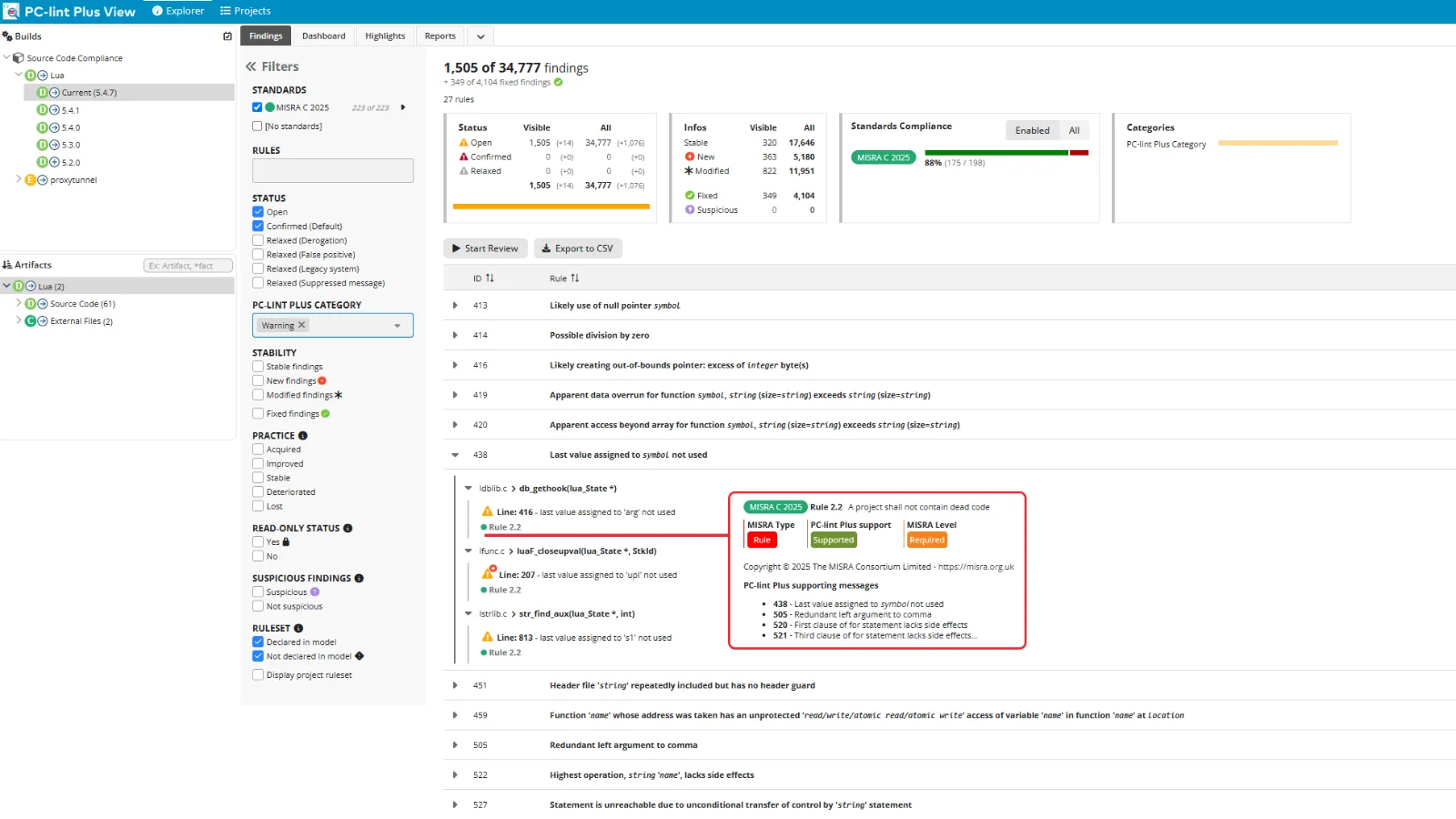
PC-lint Plus View is a graphical interface that brings your diagnostics to life. Instead of parsing plain-text output or writing custom scripts, your team gets an interactive, visual environment for exploring results. That makes it easier to interpret findings, track trends, and share insights.
Turn Diagnostics into Decisions
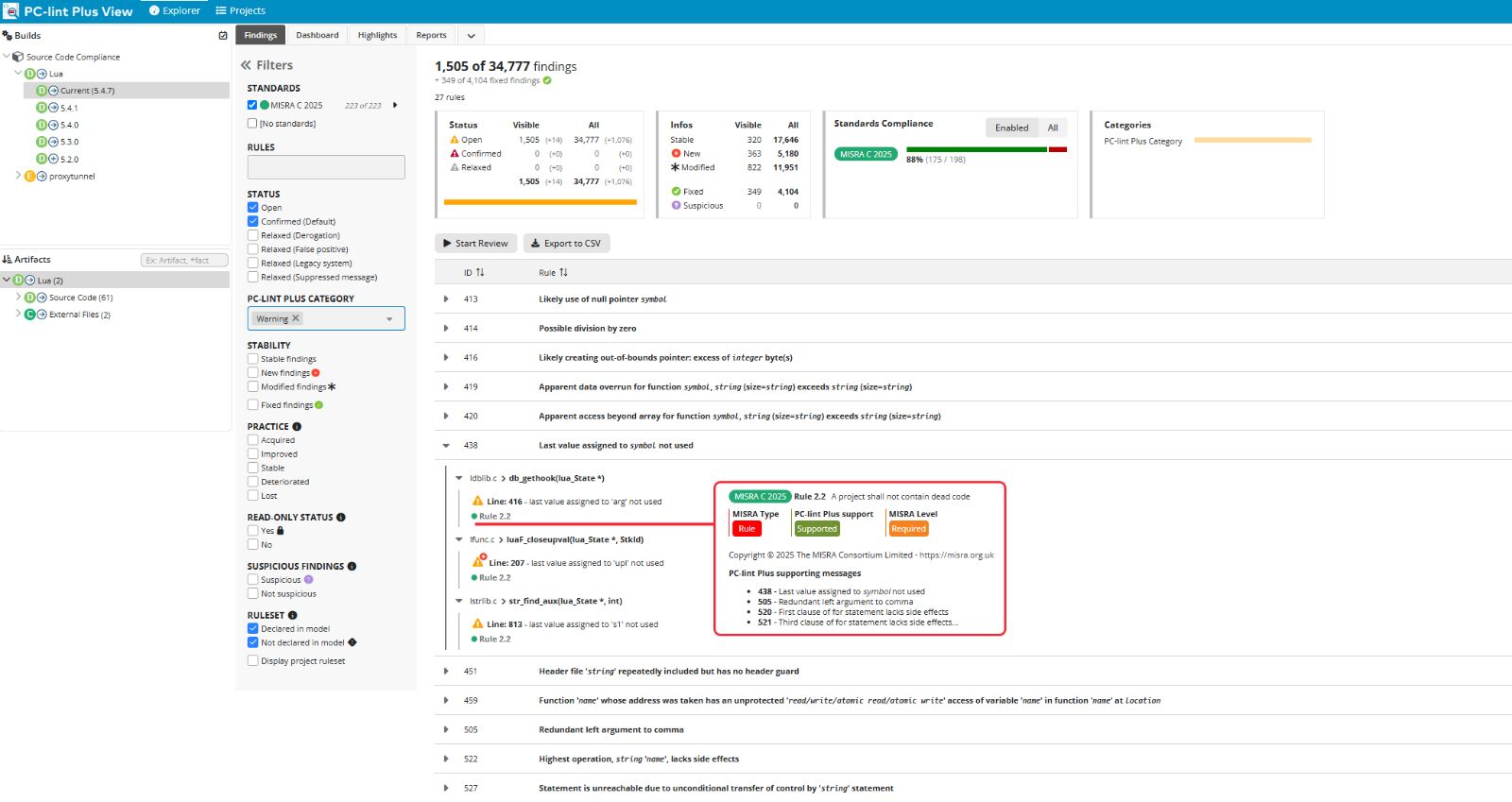
The dashboard brings all relevant diagnostic information into one place. No more jumping between tools or searching through output files.
Each message includes:
- Any linked coding standard references, such as MISRA and CERT C
- A clear description with rule ID and category
- Immediate context for faster understanding and resolution
Get the full picture in a single view.
Review Results with Full Context
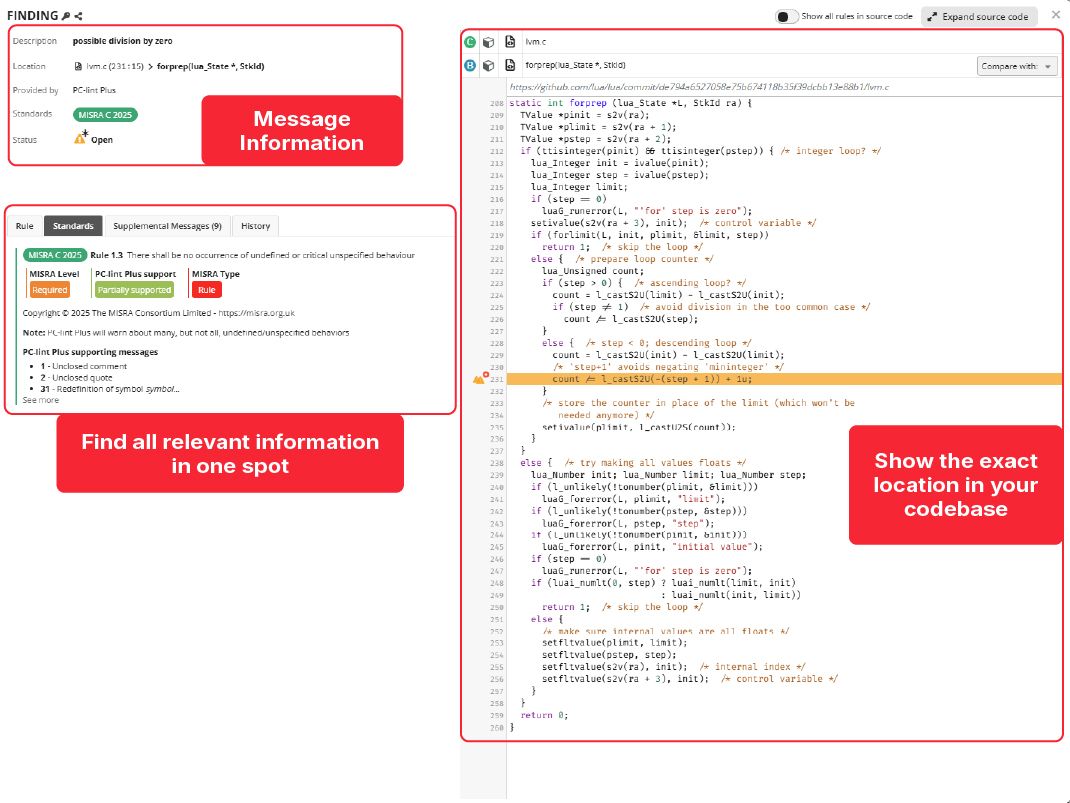
Understand each diagnostic in the context of your source code. PC-lint Plus View presents the message, description, relevant coding standard guidelines, and any supplemental messages in one place.
Even complex issues become easier to trace and resolve thanks to a navigable message history.
Focus On What Matters
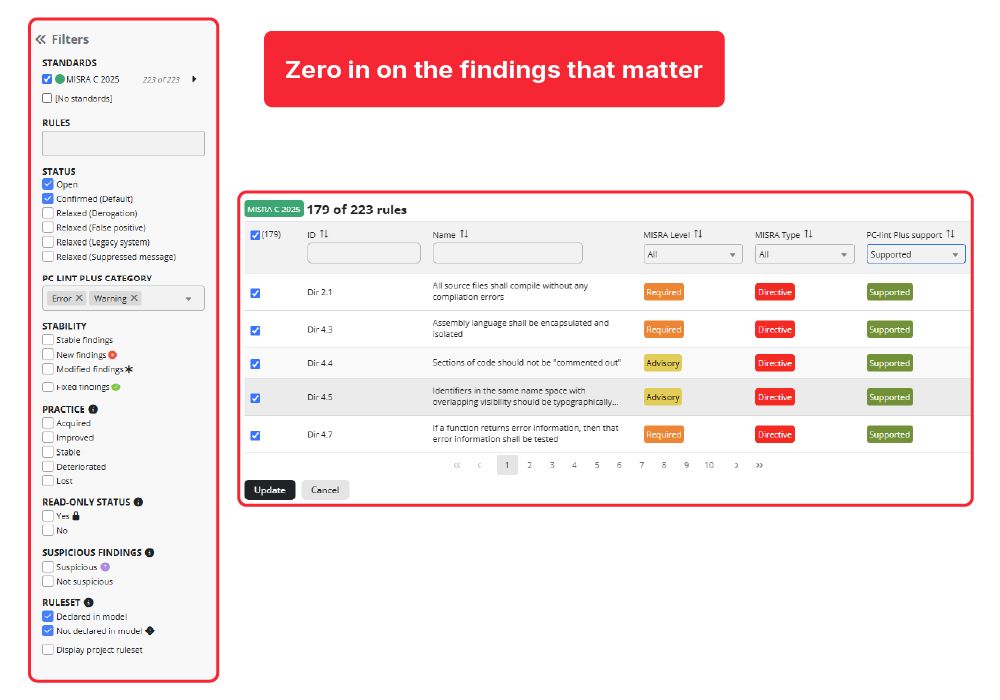
The Findings View lets you filter PC-lint Plus findings by severity, rule, message type, file, and more.
Whether you are focused on critical issues or a specific subsystem, you can zero in on what needs attention.
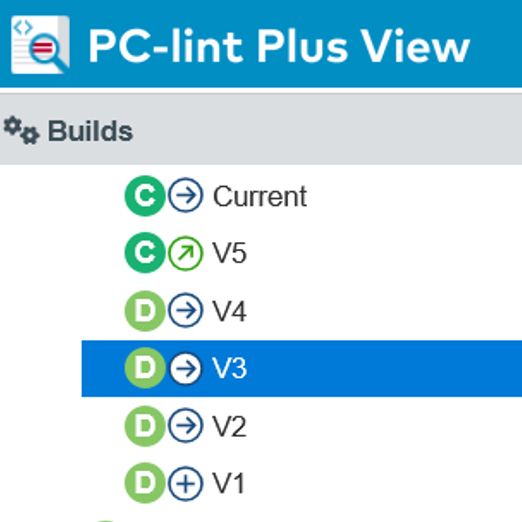
Track Findings Over Time
PC-lint Plus View automatically organizes findings by project version, enabling you to monitor trends, regressions, and improvements over time.
Export and Share Results
Export findings with direct links to each issue's source and share results with your team or external reviewers.
Prefer automation? Exports in SARIF format simplify integration with supported IDEs and CI pipelines.

See it in action


Related Pages
PC-lint Plus