Start Exploring the Vector Ecosystem
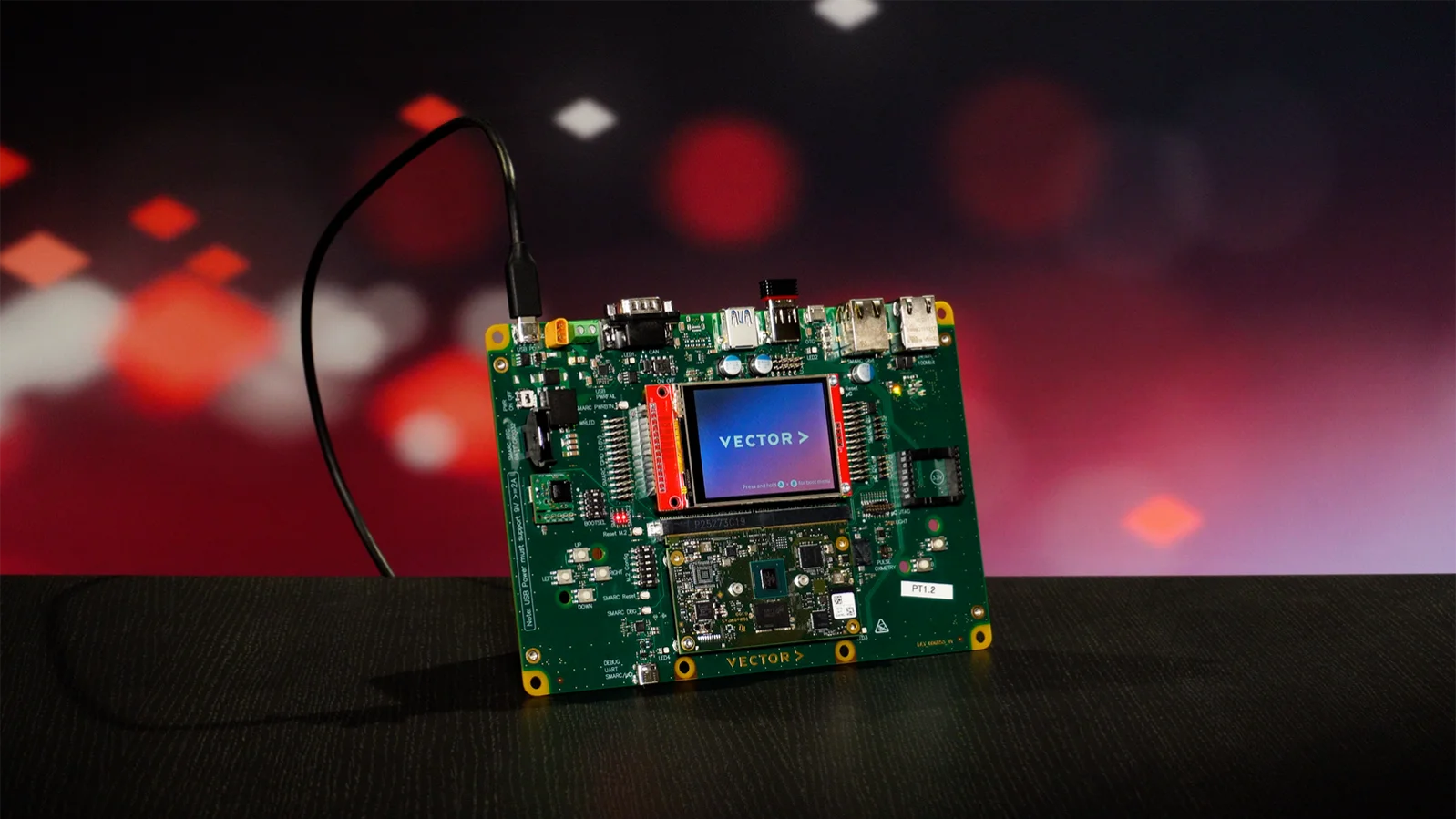
The Vector Discovery Kit lets you quickly experience what Vector can do - from cloud to embedded device. The board combines an application processor and a microcontroller with sensors and a cloud connection, so you can go from unboxing to a running application.
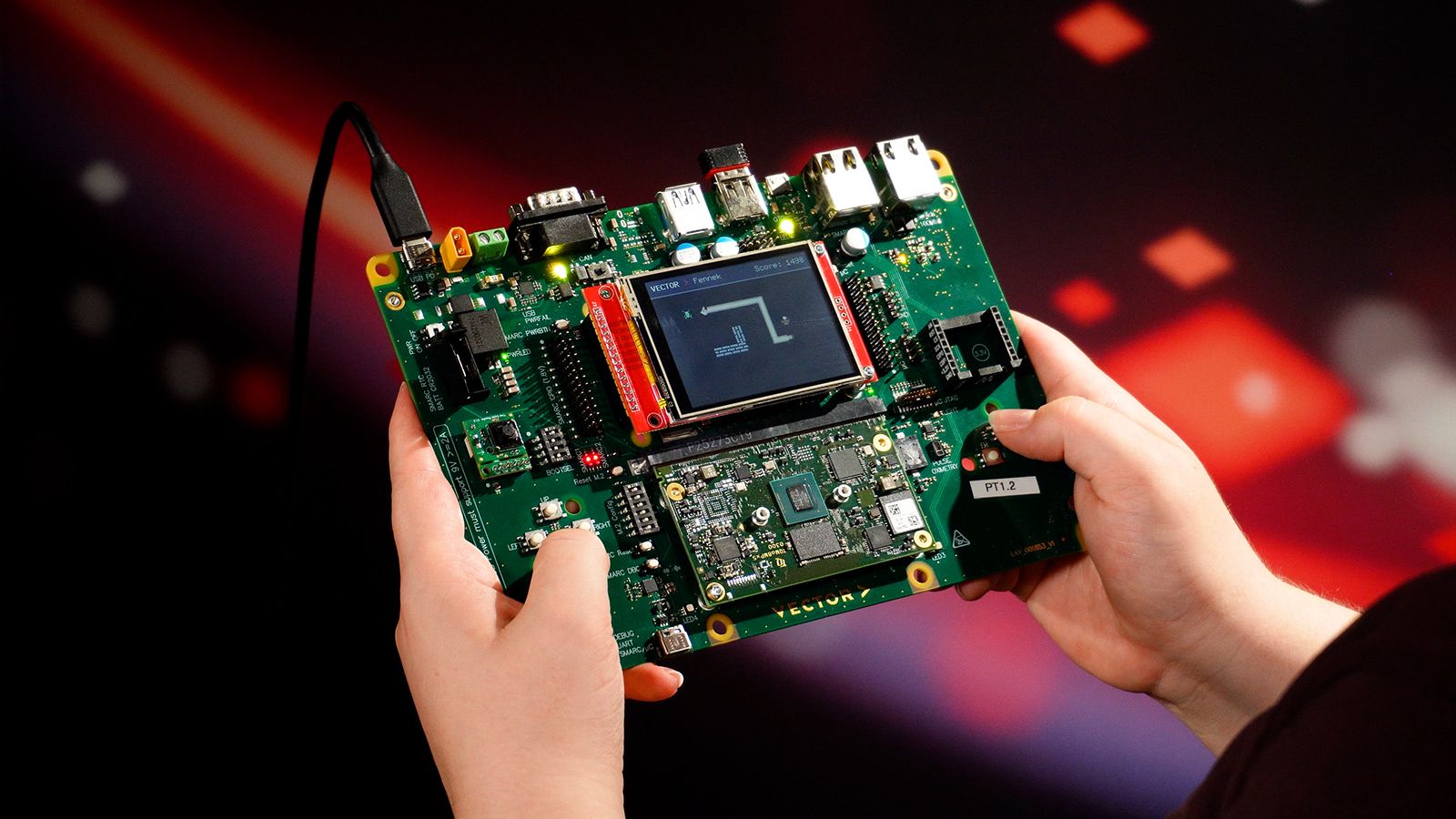
Get Started in Minutes - From Scan to Running Demo.
Scanned the QR-Code on your box? You are in the right place. A setup wizard guides you through four steps, on the Vector Discovery Kit's display and on your phone or laptop.
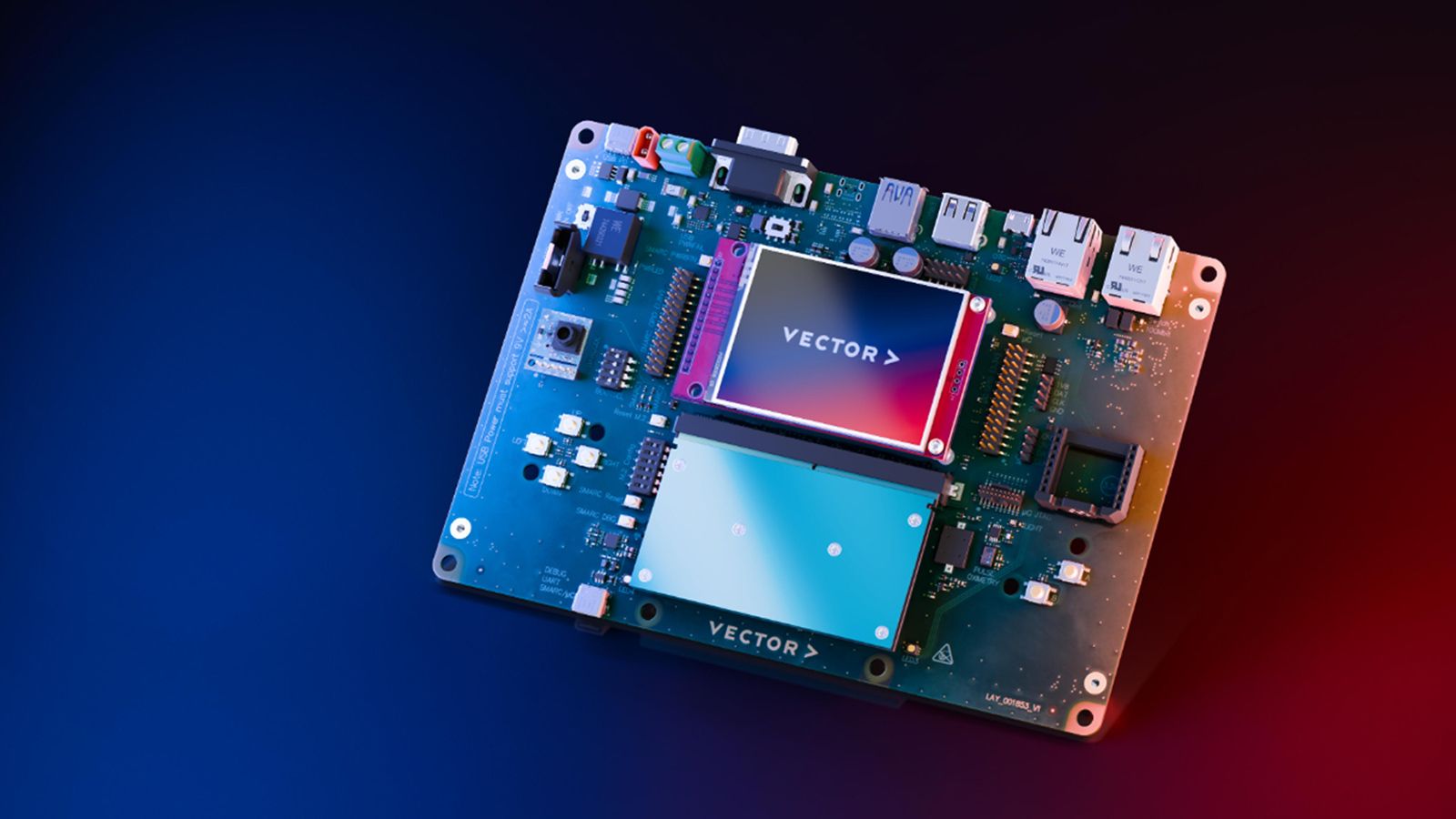
Step 1: Power Up & Connect
Connect a 9 V USB-C PD power supply. After the welcome screen, scan a Wi-Fi-QR-Code with the Vector Discovery Kit's built-in QR code reader or type it in manually.
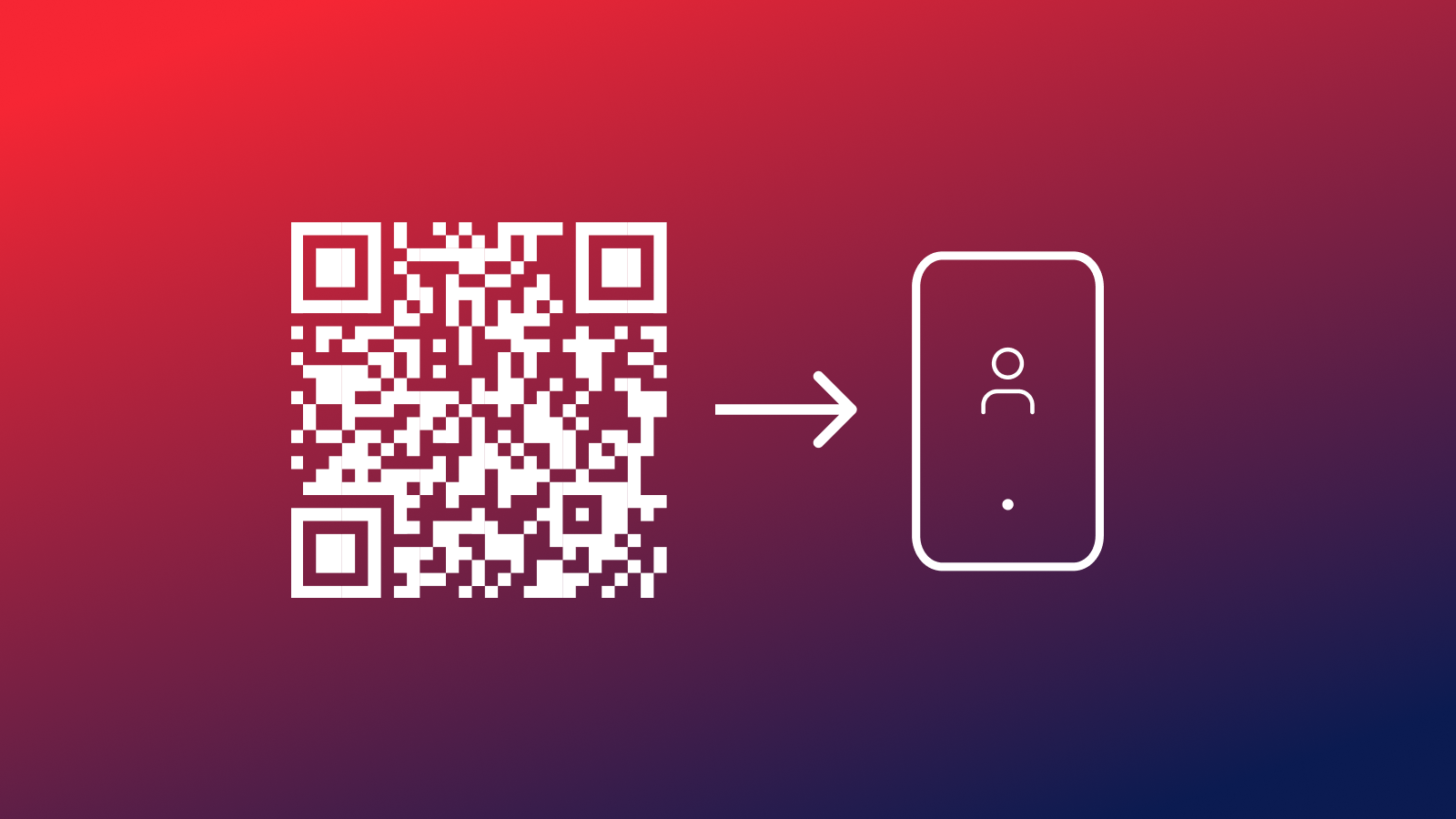
Step 2: Scan & Log-In
Scan the registration QR-Code shown on the Vector Discovery Kit's display with your phone or laptop or use the link www.nexthorizons.com/discovery-kit.
Log in with your VectorID and accept the terms and conditions.
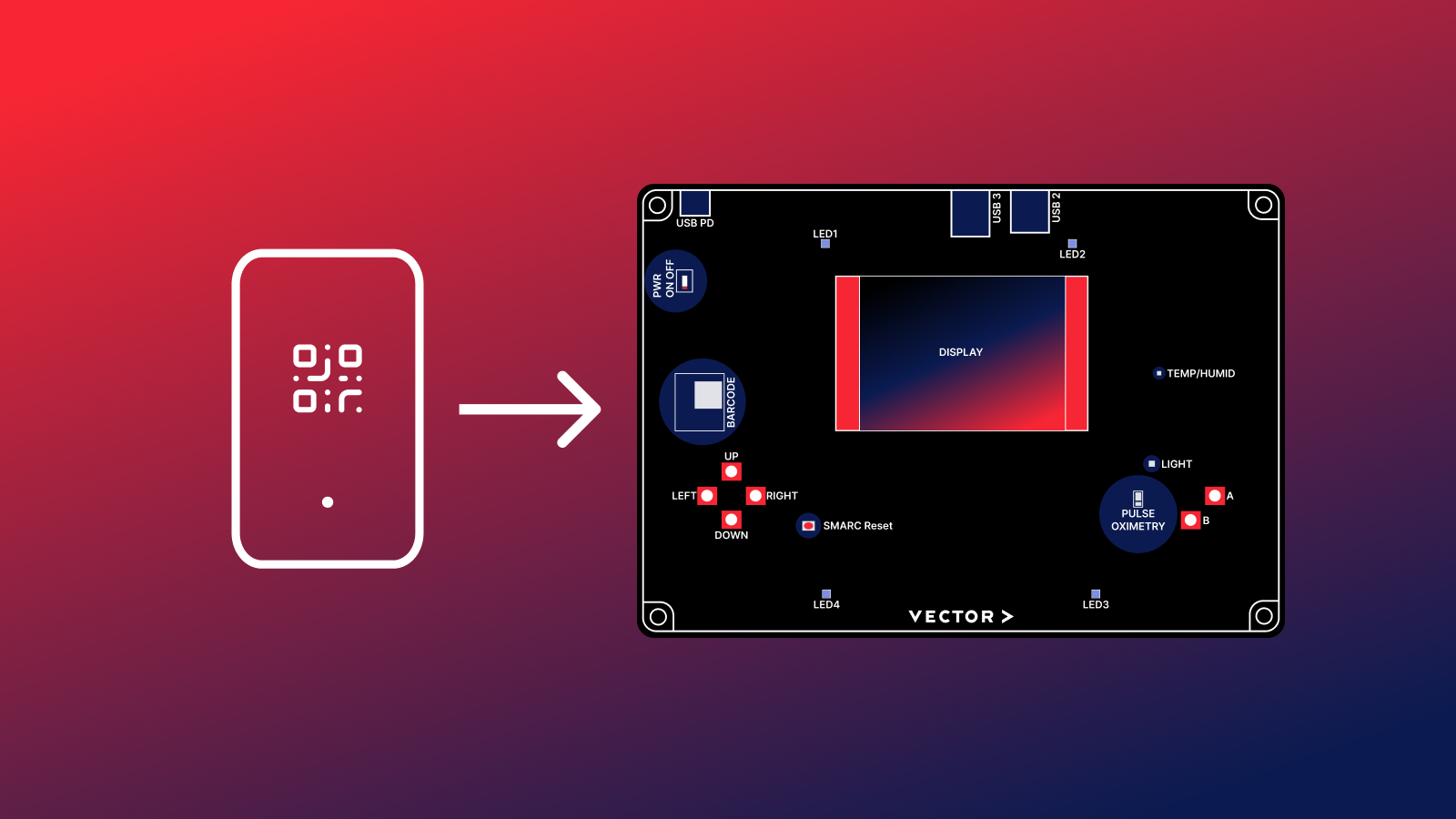
Step 3: Register Your Kit & Update
The display on your phone or laptop shows the registration QR-Code. Scan it with your Vector Discovery Kit to register the device to your account.
If prompted with a System Update, click on "Update".
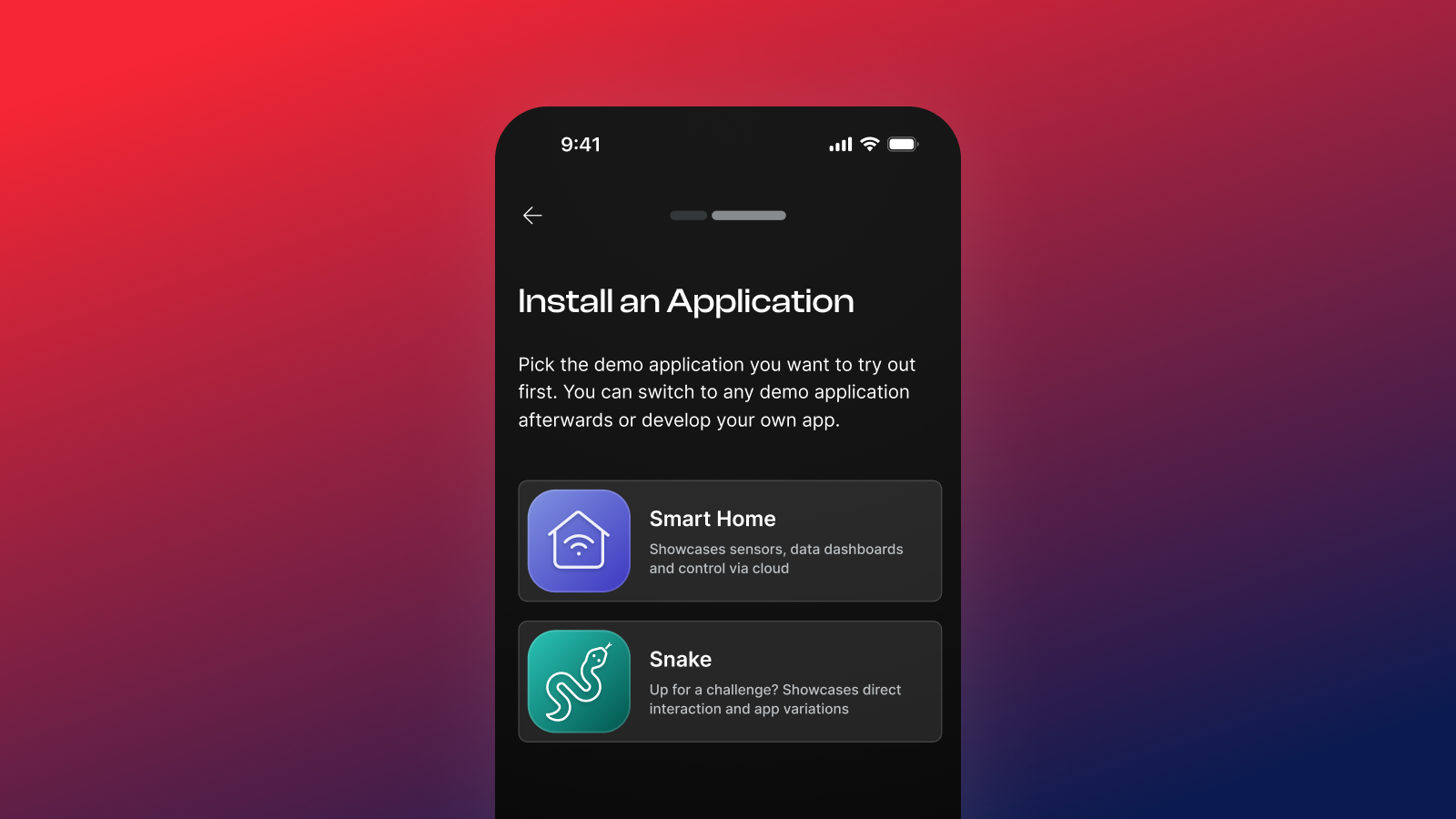
Step 4: Install & Play
Choose one of the Demos to install it. The app is deployed from the cloud on your Vector Discovery Kit.
Check out the demo dashboards, switch to another demo or code your own app from scratch. Happy exploring!
Pick Your Experience
Start with a game, explore a connected smart home, or build something of your own. Choose your experience and see where the Vector Discovery Kit takes you.

Put Your Snake Skills to the Test
Start with an instant, hands-on experience of the Vector Discovery Kit. Snake runs right out of the box and turns the kit into an interactive gaming device, complete with live game statistics and high scores. Under the hood, the application also offers a first look at software development with Rust.

Explore a Connected Smart Home
See embedded and cloud technologies working together in a hands-on smart home scenario. The Discovery Kit captures environmental data such as temperature and sends it to the cloud for visualization in a dashboard. Control the board via the dashboard or go even deeper and explore the application built with Rust.
Build Your Own Application
Go beyond the demos and turn the Vector Discovery Kit into your own development playground. Build a custom applications, connect additional sensors and actuators of the board, like the IMU (Inertial measurement unit) sensor and use open APIs to adapt the kit to your own ideas and use cases.
Everything You Need Along the Way

Tutorials
Hands-on video tutorials walk you through the setup, the demos and your first code changes.

SDK
Build your own apps with API documentation, code docs, a VS Code quick start, the hardware technical reference and an interactive pinout.

Support & Feedback
Questions about your kit or ideas for what comes next? Get in touch with our support team - your feedback helps us improve.

Discovery Kit Smart Home Add-On Set
Building instructions for the Vector Discovery Kit Add-On brick set.

Quick Start Guide
Get your Vector Discovery Kit up and running in minutes.

3D Print Accessories
Print accessories such as controller-handles or button-keycaps for your Vector Discovery Kit.

Coming Soon - Workshop Videos
Recordings of the Next Horizons workshops “From Unboxing to Your First Feature” and “Hunt the Glitch” will be available here soon.

Explore the Related Products
Vector FLOW - The Engineering and Operations Platform

AXUMO - Software Platform for Software-Defined Systems